

Strong visuals are the difference between a brand that gets scrolled past and one that earns a click. The best image editing tips for startups center on mastering a small set of core adjustments, using AI tools to scale content fast, and keeping every asset consistent with your brand identity. This guide covers the exact techniques, workflows, and pitfalls that matter most when you are building a visual presence from scratch with limited time and budget.
1. What are the fundamental manual editing techniques startups should master?
Five sliders deliver the most quality gains for any startup learning photo editing techniques: exposure, highlights, shadows, white balance, and clarity. Mastering white balance is the single biggest jump to higher-quality images for beginners. It removes the color cast that makes product shots look cheap, even when the composition is solid.
Exposure adjustments work best in a range of +/- 0.3 to 0.7 stops. Going beyond that range creates blown highlights or crushed shadows that no amount of retouching can fully recover. For outdoor shots, pulling highlights down to between -50 and -80 and pushing shadows up to between +20 and +50 restores detail without making the image look flat.
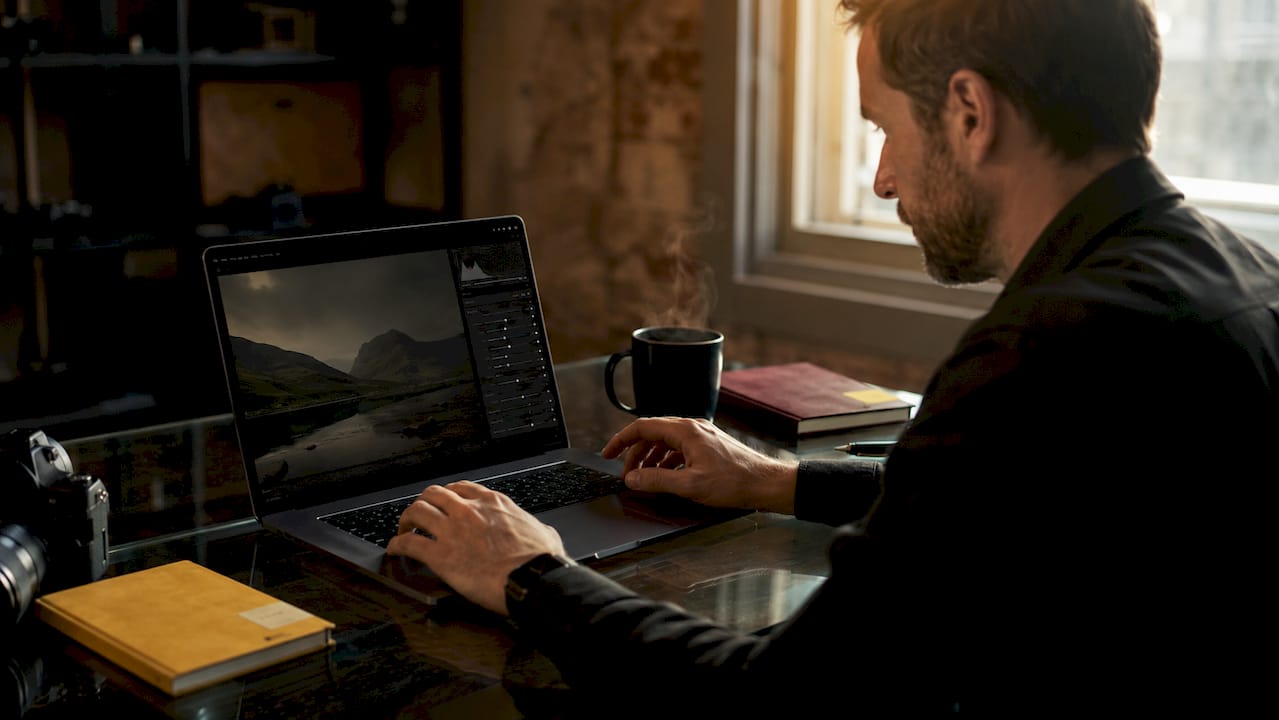
The editing sequence matters as much as the adjustments themselves. Crop and straighten first, then correct exposure and white balance, then move to color grading, and finish with retouching. Sharpening too early amplifies noise and makes cleanup harder later. Following this order saves time and protects image quality.
Overediting is the most common mistake startup teams make. Pushing clarity or saturation too far creates an artificial look that signals low production value to customers. Subtle, natural corrections build more trust than dramatic filters.
Pro Tip: Start with a preset as your baseline. A well-built preset gets you 70% of the way there in seconds, reducing decision paralysis so you can focus on the 30% of adjustments that are specific to each image.
2. How can startups integrate AI image generation for efficient editing?
AI image generation has changed how startups produce social content. Startups now use AI for roughly 80% of experimental and social visuals, cutting design time from around 10 minutes per image down to about 30 seconds. That kind of speed makes it possible to test multiple visual concepts in a single afternoon.
The workflow that works best is AI generation first, human refinement second. Generate the base image with AI, then bring it into a tool like Adobe Photoshop or Figma to add brand typography, correct geometry, and align colors to your palette. This hybrid approach keeps the speed advantage of AI while giving you the control that critical brand assets require.
Human review is not optional. AI-generated images frequently contain artifacts such as distorted UI elements, extra fingers, or inconsistent product details. Publishing these without review creates a trust gap with customers that is very hard to close once it forms. A quick 60-second review pass catches most issues before they go live.
AI images also tend to have large file sizes. Publishing raw AI outputs without compression can slow your website significantly and hurt your SEO ranking. Always compress before uploading.
Pro Tip: Build a library of reusable prompt templates that include your brand colors, tone, and style descriptors. Consistent prompts produce consistent outputs, which reduces the time you spend on human corrections.
3. What image optimization strategies improve web performance and SEO?
Image optimization is a graphic design basic that most new businesses overlook until it starts costing them traffic. The industry standard for web images is compression to under 200KB. Images above that threshold slow page load times, which directly affects both user experience and search engine ranking.
File format choice matters as much as compression level. WebP and AVIF formats preserve visual clarity at smaller file sizes compared to JPEG or PNG. Converting your images to WebP before uploading is one of the fastest wins available for startup website performance. Most modern image editors and web platforms support the conversion natively.
Alt text is the other half of image SEO. Writing a descriptive alt text tag takes about 10 seconds per image and tells search engines what the image shows. It also makes your site accessible to users who rely on screen readers. A tag like "red leather wallet on white background" does more for your ranking than a blank field or a file name like "IMG_4521.jpg."
For a deeper look at compression, alt text, and load time strategies, image optimization techniques from a digital marketing perspective show exactly how these factors connect to conversions and ranking.
4. How to maintain brand consistency across all visual assets
Brand consistency builds more customer trust than any single technically perfect image. A startup that publishes visuals with mismatched color palettes, inconsistent lighting styles, and varying typography signals instability, even if each individual image looks decent on its own.
The practical fix is a brand prompt guide and an asset map. The brand prompt guide documents your color codes, preferred image styles, mood references, and tone descriptors. The asset map tracks which visual templates apply to which channels, so your Instagram grid, website hero images, and email headers all feel like they come from the same brand. Consistent image styles create a cohesive presence across platforms, which is vital for startup growth.
Character consistency matters especially for AI-generated content. If your brand uses a recurring illustrated character or a specific product mockup style, define it clearly in your prompt guide and stick to it. Variation in character design across posts is one of the fastest ways to erode the professional impression you are trying to build.
Inconsistent branding is also one of the most common mistakes that harm startup credibility. Branding pitfalls for small businesses show how visual inconsistency affects customer trust at every touchpoint, from social media to packaging.
5. What workflow tips help startups edit images faster and better?
A standard professional editing workflow takes between 3 and 15 minutes per image. Foundational adjustments like exposure, white balance, and cropping take about 60–90 seconds. The remaining time goes to color grading, retouching, and export. Knowing this breakdown helps you plan realistic production schedules and avoid bottlenecks.
Batch editing is the most underused time-saving technique for startup teams. Once you have dialed in the correct settings for one image in a set, applying those settings to the entire batch takes seconds. This works especially well for product photography, where lighting conditions are consistent across a shoot.
The biggest workflow killer is decision paralysis. Startups that try to master every slider, filter, and tool at once end up spending more time choosing than editing. Focusing on the five core sliders first removes that paralysis and builds the muscle memory that makes editing faster over time.
Watch for saturation overshoot. Pushing saturation beyond natural levels is the most visible sign of amateur editing. Colors that look vivid on your monitor often appear garish on mobile screens, where most of your audience will see them. Always preview your edits on a mobile device before publishing.
Pro Tip: Build a visual content workflow document that maps each image type to a specific editing sequence and export setting. Treating it like a production checklist removes guesswork and keeps quality consistent across team members.
Key Takeaways
The most effective image editing approach for startups combines five core manual adjustments with AI generation for volume, strict brand consistency, and web optimization before every publish.
| Point | Details |
|---|---|
| Master five core sliders | Exposure, highlights, shadows, white balance, and clarity deliver the biggest quality gains fastest. |
| Follow the editing order | Crop first, then exposure and white balance, then color, then retouching for best results. |
| Use AI for volume, humans for quality | AI handles 80% of social content; human review catches artifacts before they damage brand trust. |
| Compress every image | Keep all web images under 200KB using WebP or AVIF to protect load speed and SEO. |
| Build a brand prompt guide | Documented color codes and style templates keep visuals consistent across every channel. |
What we have learned from working with startups on visual content
The most common mistake we see is startups treating image editing as a production task rather than a brand decision. They focus on getting images out fast and worry about quality later. The problem is that "later" rarely comes, and the brand accumulates a visual identity built from inconsistency.
What actually works is the opposite of what most startup advice suggests. You do not need more tools or more content. You need fewer, better decisions made consistently. A startup that publishes 10 well-edited, on-brand images a week will outperform one publishing 50 rushed ones every time. The audience notices, even if they cannot articulate why.
We have also seen the AI trap up close. Founders get excited about the speed of AI generation, and rightfully so. But raw AI output is a starting point, not a finished asset. The teams that get the best results treat AI the way a photographer treats a raw file: as material to work with, not a final product to publish. That mindset shift changes everything about how you integrate AI into your workflow.
The brands that grow fastest are the ones that build visual systems, not just visual content. A brand prompt guide, a consistent editing sequence, and a compression checklist before every upload are not glamorous. They are the foundation that makes everything else work.
— 35mm
Professional retouching for startup brand assets
When your brand visuals need to perform at a higher level than in-house editing can deliver, working with a specialist studio makes the difference between imagery that looks good and imagery that converts.

35milimetre offers professional retouching and visual post-production services built specifically for the kind of critical brand assets where quality cannot be compromised. From product compositing and color grading to AI-enhanced imagery and CGI, the studio brings over two decades of hands-on experience to every project. Whether you need a single hero image polished for a product launch or a full campaign's worth of assets refined for marketplace use, 35milimetre delivers the precision that builds brand trust at every touchpoint.
FAQ
What are the most important image editing tips for startups?
Startups should master five core adjustments: exposure, highlights, shadows, white balance, and clarity. Following the correct editing order, crop first and retouch last, produces the best results in the least time.
How does AI image generation fit into a startup editing workflow?
AI generation works best for experimental and social content, where speed matters most. Human review and refinement in tools like Photoshop or Figma are still required for critical brand assets to avoid artifacts and maintain brand consistency.
Why does image optimization matter for startup websites?
Compressing images to under 200KB using WebP or AVIF formats protects page load speed and search engine ranking. Descriptive alt text on every image also improves accessibility and SEO simultaneously.
How do startups maintain visual brand consistency across channels?
A brand prompt guide that documents color codes, style preferences, and mood references keeps every visual asset aligned. An asset map that assigns specific templates to specific channels prevents the inconsistency that erodes customer trust.
How long does professional image editing take per image?
Foundational adjustments take 60–90 seconds per image. A full professional edit, including color grading and retouching, takes between 3 and 15 minutes depending on complexity.