
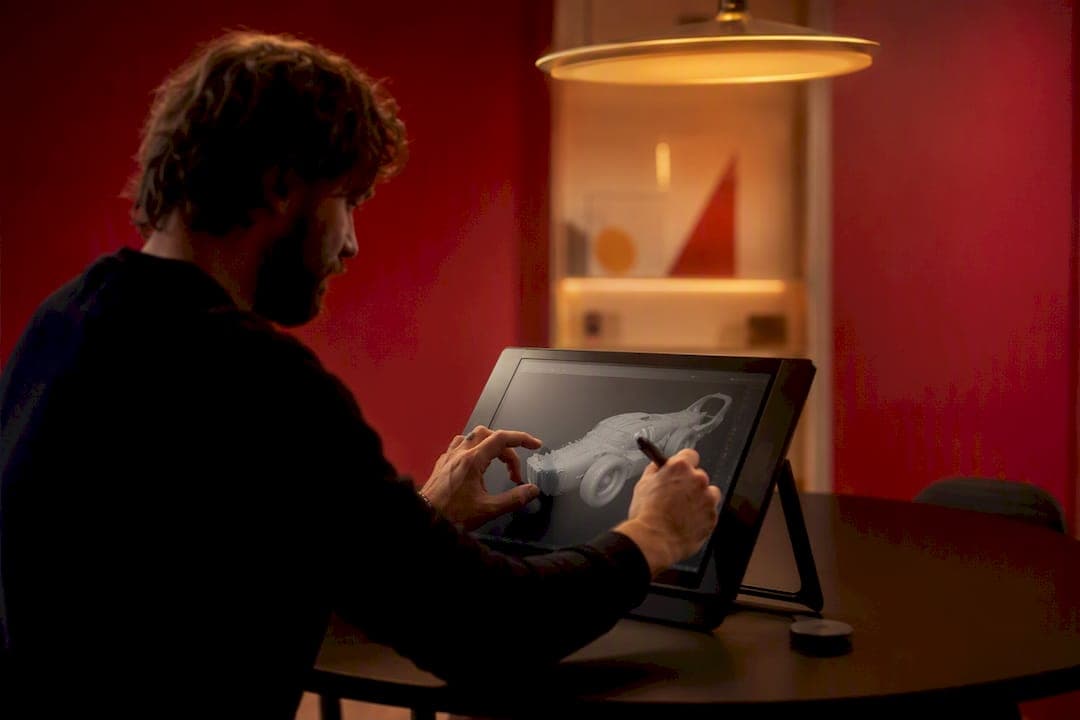
Professional CGI stills typically run $150 to $5,000 per image, and animations usually start in the low thousands per finished minute. Where a project lands in that range depends on realism level, asset complexity, and how many revision rounds you negotiate. 35milimetre has spent two decades quoting exactly these kinds of projects, and the pattern holds: the price gap between a "good enough" render and a hero image is almost entirely about hours, not software.
TL;DR:
- Most CGI images cost between $250 and $5,000, with higher prices driven by complexity, realism, and pre-existing source files.
- Interior and exterior renders can range from $400 to over $5,000 depending on scene detail, size, and environmental context.
- Animation costs scale with duration and complexity, with simple sequences costing around $50–$150 per second and complex projects exceeding $20,000 per minute.
- Cost drivers include asset complexity, modeling time, realism level, and revision rounds, making quotes vary significantly for similar outputs.
- Using reusable assets, simplifying effects, and locking scope upfront can reduce CGI expenses without sacrificing quality.
Table of Contents
- Prices at a Glance: A Quick Reference by Output Type
- Cost Breakdown by Project Type
- What Actually Drives CGI Rendering Cost: 12 Practical Factors
- Pricing Models and How Studios Typically Quote
- How to Estimate Your Budget and Write a Brief That Gets Accurate Quotes
- Timelines, Revisions, and Hidden Costs to Watch For
- Cost-Saving Strategies and Trade-Offs
- Why Trust This Guide: 35milimetre's Track Record
- How to Think About Value vs. Price When Buying CGI
- Get a Scoped Quote from 35milimetre
- Sources
Prices at a Glance: A Quick Reference by Output Type
Before you request a quote, it helps to know what a fair number looks like for the deliverable you actually need. Rates below reflect current market benchmarks across freelancers, boutique studios, and premium production houses.
| Output type | Typical price range | Main cost driver at the high end |
|---|---|---|
| Product packshot (single view) | $100–$800 | Reflective or transparent materials, multiple finishes |
| Lifestyle product render | $250–$5,000 | Complex scene, custom props, styling detail |
| Interior render (single room) | $400–$2,500 | Custom furniture modelling, lighting complexity |
| Exterior architectural render | $250–$5,000 | Landscaping, site context, aerial perspective |
| Floor plan (2D or 3D styled) | $150–$1,000 | Number of levels, furniture layout detail |
| 360° product spin | $400–$2,000 | Frame count, seamless loop requirements |
| Simple animation (per second) | $50–$150 | Camera motion complexity |
| Cinematic animation (per minute) | $2,500–$20,000+ | Character or fluid simulation, sound design, VFX |
Most 3D renderings fall between $250 and $5,000 per image, with product renders sitting lower, at roughly $100 to $800, because the scenes are contained and lighting setups get reused across SKUs. Architectural animations climb fastest, commonly landing between $2,500 and $20,000 or more per minute, since every second requires roughly 24 to 30 individually rendered frames.
Freelancer pricing tends to sit at the low end of every band; established studios charge more but absorb project management, revisions, and quality control into that number. A studio quoting $150 for a static CGI image is usually working from a template scene, while premium studio work in that same category can reach $1,000 once custom lighting and materials enter the picture.
Cost Breakdown by Project Type
Interior, exterior, product, and animation work don't just differ in subject matter. They differ in the number of production steps required to reach a believable result, and that's where the hours (and the invoice) come from.
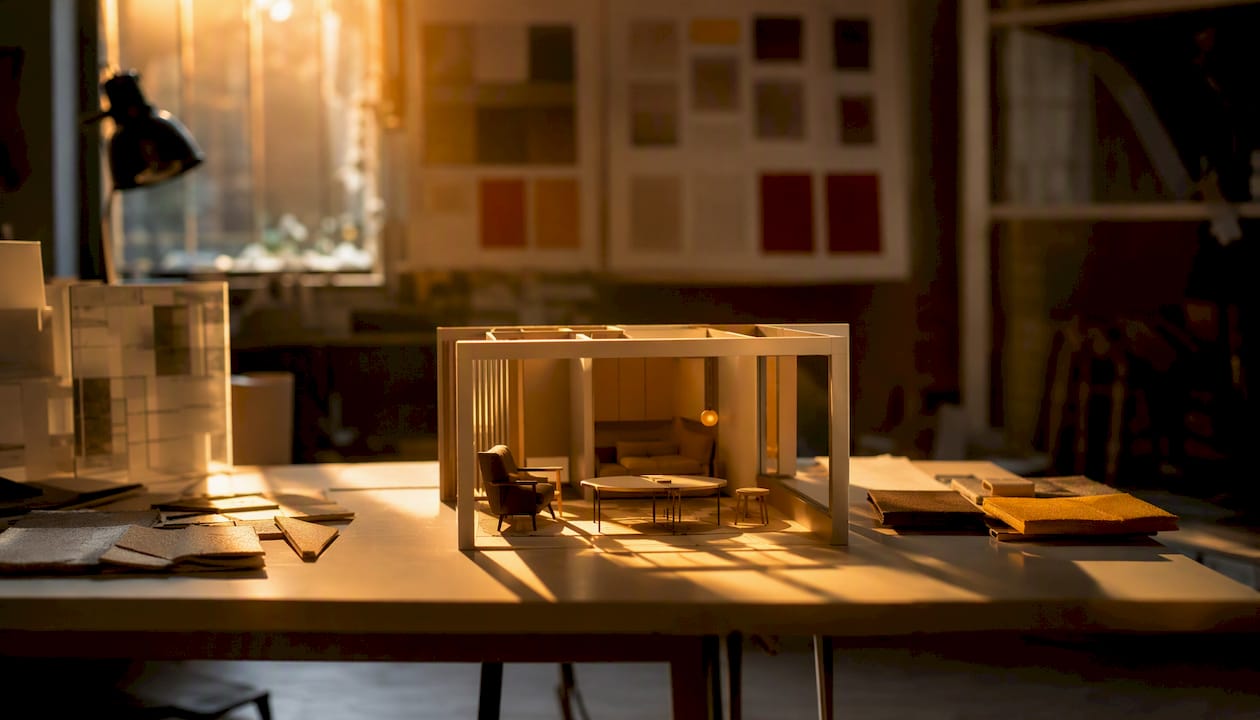
Interior renders cost the most per square foot of visual "space" because everything in frame has to be modeled or sourced: furniture, fixtures, textiles, wall finishes. A single living room with library furniture and flat lighting might run $400. The same room with custom-modeled furniture, layered lighting to mimic golden-hour sun, and reflective flooring can push past $2,000. Material complexity, specifically anything with subsurface scattering (skin-like translucency in materials such as marble or wax) or anisotropic reflections (brushed metal, fabric with directional sheen), adds render time because those effects require more samples to look convincing rather than noisy.
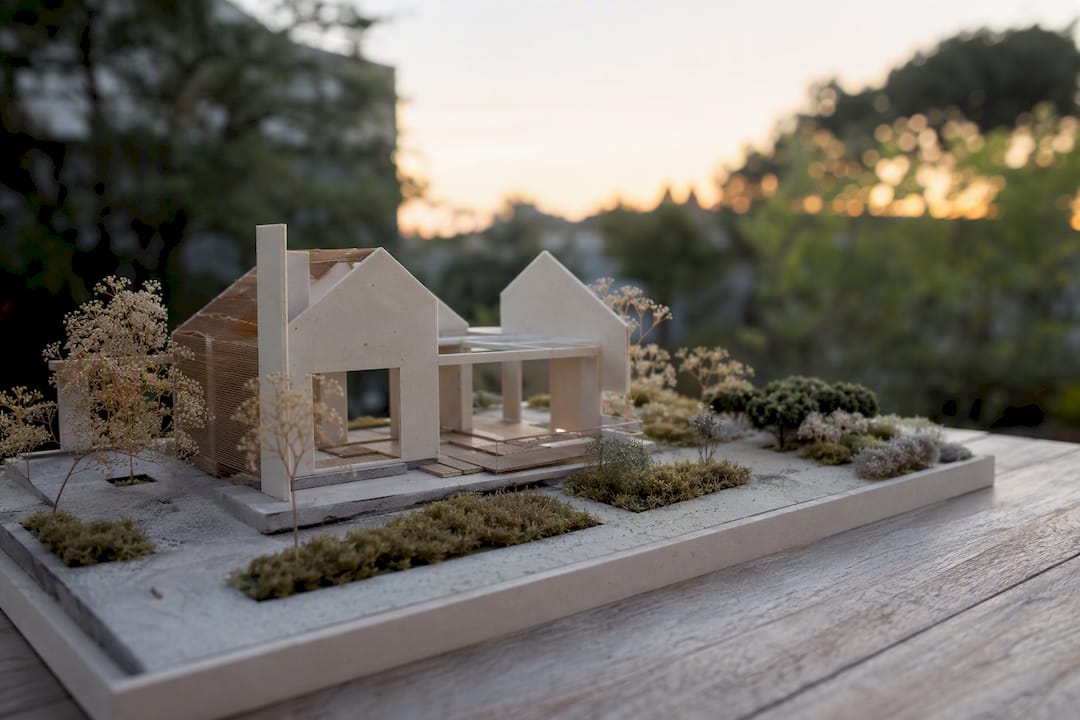
Exterior renders shift the cost burden from interior detail to scale and context. A house on a plain lot with a clear sky costs less than the same house set into a real neighborhood with matched landscaping, correct shadow angles for the site's actual latitude, and an aerial drone-style shot showing the surrounding block. Site context research and matching photographic references responsibly account for a meaningful share of exterior project hours before a single frame renders.
Product renders live or die on whether usable CAD or 3D source files already exist. If a manufacturer hands over clean CAD data, a studio can often go straight to lighting and materials. Without it, the modelling has to happen from photos or physical dimensions, which routinely doubles the timeline. Transparent materials (glass bottles, screens), reflective metals, and product variants (five colorways of the same shoe) each add separate rendering passes.
Animation work scales almost linearly with duration and motion complexity. A slow, locked camera pan costs far less per second than a sequence involving:
- Cloth, hair, or fluid simulation
- Multiple moving characters or vehicles
- Particle effects (smoke, dust, sparks)
- Custom sound design and music licensing
- Color grading and post-production compositing
Floor plans and virtual tours are usually the budget-friendliest deliverables because they bundle well with other assets. A floor plan reuses the same 3D model built for interior stills, so studios often discount it heavily as an add-on. Virtual tours (360° walkthroughs) cost more upfront to build but serve real estate and hospitality clients who need one asset that replaces a dozen static shots.
What Actually Drives CGI Rendering Cost: 12 Practical Factors
Every quote you receive breaks down, whether the studio itemizes it or not, into a set of recurring cost drivers. Reading a quote against this list helps you spot where the money is actually going and where a competing studio might be cutting corners you'll regret later.
- Asset complexity. A hero product with intricate geometry takes longer to model than a simple box.
- Modelling time. Custom builds from scratch always cost more than adapting an existing model.
- Level of realism. Photoreal work requires physically accurate lighting and materials, which increases render settings and sampling time.
- Render settings and sampling. Higher sample counts reduce visual noise but multiply compute time and, on rented render farms, direct cost.
- Number of images or frames. Ten angles of the same product cost more than one, though not proportionally, thanks to shared setup.
- Revision rounds. Each round beyond the contracted amount typically bills separately.
- Library vs. custom assets. Off-the-shelf furniture or props are dramatically cheaper than bespoke modelling.
- Simulation and rigging. Anything that moves realistically (cloth, hair, crowds) needs technical setup before it can be animated at all.
- Post-production. Compositing, color grading, and retouching add a layer of finishing that separates raw renders from client-ready imagery.
- Usage rights. Broad or perpetual licensing for global ad campaigns costs more than a single-use web image.
- Turnaround time. Rush jobs compress the schedule and usually carry a rush premium.
- Software and rendering overhead. License fees and cloud render-farm time either get folded into the quote or itemized as pass-through costs.
Pricing depends most heavily on asset complexity, realism level, and whether usable 3D or CAD files already exist, which is why two quotes for what sounds like "the same render" can differ by a factor of three.
Pro Tip: Ask every studio quoting your project whether their number includes render-farm and compute costs, or whether those show up as a separate line later. That single question surfaces more hidden markup than any other in the negotiation.
Pricing Models and How Studios Typically Quote
Studios don't all bill the same way, and knowing which model you're being quoted under matters more than the headline number.
- Per-image pricing works best for one-off product shots or a small, fixed set of deliverables where scope is well defined upfront.
- Hourly billing suits exploratory or evolving projects where the client isn't yet sure how many iterations they'll need; rates commonly run $30 to $150 per hour depending on whether you're hiring a freelancer or an established studio.
- Per-project packages bundle a fixed deliverable count (say, eight product angles plus a 360° spin) into one flat fee, which simplifies budgeting but requires a tight brief to avoid disputes over scope.
- Hybrid quotes combine a flat modelling fee with per-image or per-second charges layered on top, common on animation projects where the character or product build is a one-time cost but the sequence length varies.
Studios routinely price using per-image, per-project, hourly, or hybrid structures, and the right choice depends on how settled your scope already is. Volume discounts are standard practice: bundling five to ten or more images into one order typically lowers the per-image price by 10 to 25 percent, since the modelling and lighting setup gets amortized across the batch. Before signing, check whether the contract includes source file ownership. Studios that hand over native scene files after payment let you make small future edits in-house; studios that retain files lock you into paying for every subsequent tweak.
How to Estimate Your Budget and Write a Brief That Gets Accurate Quotes
Getting three comparable quotes requires giving three studios the exact same information. A vague brief guarantees vague, incomparable numbers back.
- List your deliverables precisely. Specify image count, resolution, camera angles, and animation length in seconds, not "a short video."
- Gather your source files. Note whether you have CAD data, product photos, or nothing at all. This alone shifts quotes by 30 percent or more.
- Define your realism target. Reference images of comparable finished work communicate intent faster than written descriptions.
- Fix your revision rounds. Two rounds is standard; agree on the number before work starts, not after the first draft lands.
- Set a real deadline. Rush turnarounds cost more, so build in a buffer if the date is flexible.
Pricing depends most on asset complexity, realism level, and deliverable count, so use the baseline ranges from the table above and apply a multiplier: add 25 to 50 percent for custom modelling without CAD, and another 15 to 20 percent for photoreal lighting with multiple material types. A studio like 35milimetre can help estimate CGI modeling costs once you know roughly what you're building.
Timelines, Revisions, and Hidden Costs to Watch For
Lead times vary by deliverable: a single product packshot often turns around in three to five business days, while a full interior scene with custom furniture can take two to three weeks. Animation timelines stretch further, since rendering a single finished minute may require rendering, checking, and re-rendering hundreds of individual frames.
Most studios include one or two revision rounds in their base quote; anything beyond that typically bills hourly or per-change. Before signing, ask about:
- Render-farm or cloud compute overage charges on complex scenes
- File-delivery fees for large-format or uncompressed exports
- Licensing terms for stock assets used inside your scene
- A written delivery schedule with milestone check-ins, not just a final date
Cloud rendering and render-farm usage are common line items that studios either fold into the per-image price or itemize separately, so ask which approach your quote uses before comparing it against a competitor's number. For a deliverable-by-deliverable sense of what's realistic, studio timelines by project type are worth reviewing before you set a launch date around unrendered assets.
Cost-Saving Strategies and Trade-Offs
You can cut a CGI budget meaningfully without gutting the final image, but only if you know which corners are safe to cut.
- Reuse assets across shots. A single modeled product can support packshots, lifestyle scenes, and a 360° spin without rebuilding anything.
- Lean on library assets for background furniture, foliage, or generic props instead of custom modelling every element in frame.
- Shorten animation duration. A tight 15-second product spin often communicates as much as a bloated 45-second sequence, at a third of the cost.
- Simplify simulations. Cloth or fluid effects look great but are expensive; a still frame sometimes tells the same story for less.
- Lock your brief before production starts. Scope creep, not the base price, is the most common reason CGI budgets blow past their original estimate.
Budgeting strategies that hold up in practice include detailed planning and negotiating deliverables upfront rather than adjusting scope mid-project. AI-assisted tools now speed up certain repetitive tasks, but photorealistic marketing assets still need human finishing to pass client scrutiny.
Pro Tip: If your product line includes near-identical variants, ask your studio to quote the first render at full price and each additional colorway at a reduced "variant rate." Most will offer this even if it's not in their published pricing.
Why Trust This Guide: 35milimetre's Track Record
35milimetre has operated as a post-production and design studio for over two decades, led by Mehmet Turan alongside a core team of three specialists: a post-production artist, a graphic designer, and a 3D artist, with additional talent brought in when a project's scope demands it. The studio has delivered CGI and retouched visuals for technology and automotive brands, working directly with ad agencies, startups, and professional photographers who need marketplace-ready imagery under real deadlines.
Projects typically get scoped through an initial brief covering deliverable count, source assets, and revision terms, then locked into a fixed-fee or hybrid quote before production begins.
How to Think About Value vs. Price When Buying CGI
The lowest quote on your desk is rarely the cheapest one by the time the project finishes. Extra revision rounds, unclear file ownership, and vague realism expectations turn a bargain number into a budget overrun with a two-week delay attached.
Judge a studio by whether its quote already answers the questions you'd otherwise ask later: how many revisions, who owns the source files, what happens if the deadline slips. A studio confident enough to spell that out upfront is usually the one that delivers what it promised. Negotiate the deliverable list first. The price conversation goes faster, and more honestly, once both sides agree on exactly what's being built.
— 35mm
Get a Scoped Quote from 35milimetre
35milimetre is the direct alternative to piecing together a CGI project through scattered freelancers: one team handles retouching, CGI modelling, and packaging visuals under a single scoped quote, so you're not coordinating three vendors for one campaign asset.

Getting an accurate number starts with the same brief covered above: deliverable count, source files (CAD, photos, or neither), realism target, and your deadline. Send that over and 35milimetre can return a fixed quote rather than a rough estimate that shifts once production starts. If your project sits closer to photography than full CGI, it's worth reviewing when CGI makes more sense than a photo shoot first, or how a full CGI production pipeline actually runs before locking your budget. Projects that need supporting site photography or aerial reference can also pair with drone content services to cut modelling time on exterior work.
Ready to see numbers specific to your project? Request a scoped quote from 35milimetre and get a fixed price back within days, not weeks.