
When a campaign launch slips by a week because nobody agreed on who approves the final composite, or a client demands a third round of revisions because the brief was never locked down in writing, the real cost isn't just budget. It's trust. Ad agencies working with post-production studios know this pressure intimately. A clear, repeatable visual workflow is the difference between a campaign that ships on time and one that bleeds money through avoidable rework. This guide walks you through every phase, tool, and handoff strategy you need to build a workflow that actually holds together under real production pressure.
Table of Contents
- Set up your foundation for a streamlined visual workflow
- Step-by-step workflow: From brief to delivery
- Integrate technology and automation for speed
- Edge cases and common workflow pitfalls to avoid
- Why most ad visual workflows fail—and what actually works
- Get expert support for seamless agency visuals
- Frequently asked questions
Key Takeaways
| Point | Details |
|---|---|
| Set a solid foundation | Gather the right roles, tools, and templates to streamline every project from the start. |
| Follow proven workflow steps | Move methodically from intake to delivery to reduce errors and speed turnaround. |
| Leverage automation and AI | Use modern tech to cut time spent on routine tasks while keeping human oversight on quality. |
| Prepare for edge cases | Anticipate scale, handoff, and review challenges with templates, clear agreements, and versioned feedback. |
Set up your foundation for a streamlined visual workflow
Before a single pixel is touched, the groundwork has to be solid. Think of it the way a structural engineer thinks about a building: no amount of beautiful finishing work saves a project with a cracked foundation. The same logic applies to visual production. If your intake process is vague, your planning is reactive, and your team roles overlap without clear ownership, every downstream phase will feel like a firefight.
The standard workflow for ad agency visuals includes seven distinct phases: intake/briefing, triage/planning, concept development, production/execution, post-production, review/approvals, and delivery. Each phase has a specific owner and a specific output. When those are defined upfront, your team stops guessing and starts executing.
Roles matter just as much as phases. A project manager holds the timeline and keeps communication flowing. The creative director sets the visual direction and owns brand consistency. Designers and retouchers execute the production work. The post-production lead manages the technical handoff to any external studio, whether that involves compositing, color grading, or 3D rendering. When everyone knows their lane, handoffs become clean rather than chaotic.
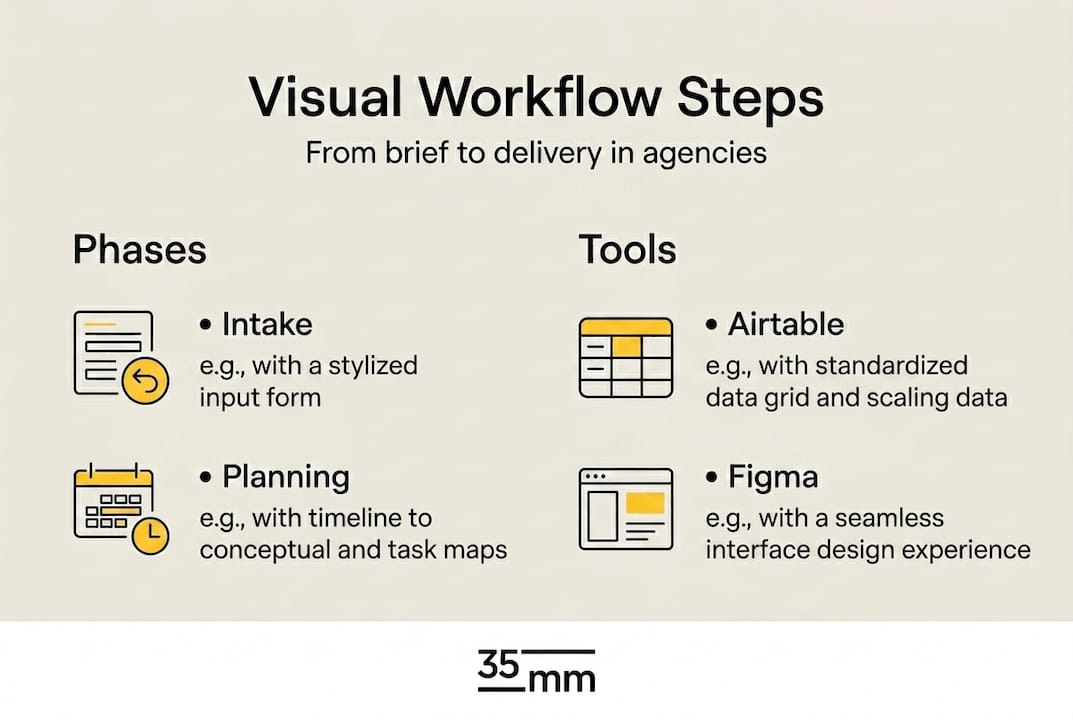
On the tool side, centralized platforms like Airtable, Frame.io, and Figma dramatically reduce the back-and-forth that kills momentum. Airtable works well as a living project dashboard where briefs, deadlines, and asset statuses are visible to everyone. Frame.io streamlines video and image review with timestamped comments, so feedback is precise rather than vague email chains. Figma enables collaborative concepting, letting creative directors and clients align on visual direction before any production work begins. These aren't optional extras. They are the infrastructure. Having the right essential design assets in place from day one is equally critical to ensuring nothing stalls during production.
Here is a quick-reference preparation table to align your team before production starts:
| Phase | Responsible Role | Key Tool | Required Document |
|---|---|---|---|
| Intake/Briefing | Project Manager | Airtable | Creative brief, asset specs |
| Triage/Planning | Creative Director | Airtable | Timeline, resource plan |
| Concept Development | Designer + CD | Figma | Mood boards, style frames |
| Production/Execution | Designer, Retoucher | Figma, Photoshop | Approved style frames |
| Post-Production | Post-Production Lead | Frame.io, studio pipeline | Version log, asset library |
| Review/Approvals | Project Manager, CD | Frame.io | Annotated feedback |
| Delivery | Project Manager | Cloud storage, FTP | Final file checklist |
Pro Tip: Designate one central cloud dashboard as your "single source of truth" for every project. When assets, briefs, and feedback all live in one place, you eliminate the version confusion that causes costly late-stage revisions.
Step-by-step workflow: From brief to delivery
Once the foundation is laid, here's your action plan for every step from client brief to asset delivery. The phases listed above aren't just theoretical categories. Each one has a rhythm, a set of responsibilities, and a critical handoff point that either keeps the project moving or brings it to a halt.
The seven-phase standard for ad agency visual workflows plays out like this in practice:
-
Intake. The project manager collects the creative brief, asset specifications, usage rights requirements, and deadline. Nothing moves forward until the brief is signed off. Vague briefs are the single biggest driver of late-stage revisions.
-
Triage and planning. The creative director and project manager assess complexity, assign resources, and build a realistic timeline. This is where you decide which work stays in-house and which goes to an external post-production studio.
-
Concept development. Designers and the creative director build mood boards and style frames in Figma. Client alignment happens here, before a single high-resolution file is produced.
-
Production and execution. Photographers shoot, designers execute, and retouchers begin primary work. This phase is where visual post production stages are first mapped out for external partners, ensuring the studio knows exactly what to expect when assets arrive.
-
Post-production. This is where the real transformation happens. Post-production includes editing, color grading, retouching, audio mixing, and asset optimization, often in close collaboration with external studios. File handoffs to a post-production partner should include a brief, a version log, and a clearly defined turnaround expectation.
-
Review and delivery. Frame.io handles annotated review rounds. Once approved, assets are exported to final specs and delivered through a secure channel with a file checklist attached.
Here's how in-house and external workflows compare at each stage:
| Phase | In-house touchpoint | External studio touchpoint |
|---|---|---|
| Concept | Style frames in Figma | Reference files sent for studio alignment |
| Production | Photography, design execution | CGI, 3D rendering, compositing |
| Post-production | Basic retouching, layout | Color grading, heavy compositing, VFX |
| Review | Internal CD approval | Studio revision round via Frame.io |
| Delivery | Client asset delivery | Final export per platform spec |
Understanding how design drives campaign impact at each of these stages helps creative directors make smarter decisions about where to invest production time and where to lean on specialist partners.
Pro Tip: Automate review and approval reminders inside your project management tool. A simple automated nudge sent 24 hours before a review deadline cuts average approval delays by a meaningful margin, especially on multi-stakeholder projects.
Integrate technology and automation for speed
With the steps clear, it's crucial to choose and connect the right technology to harness agile, error-proof workflows. Technology doesn't just speed things up. When chosen thoughtfully, it removes entire categories of human error from your process.
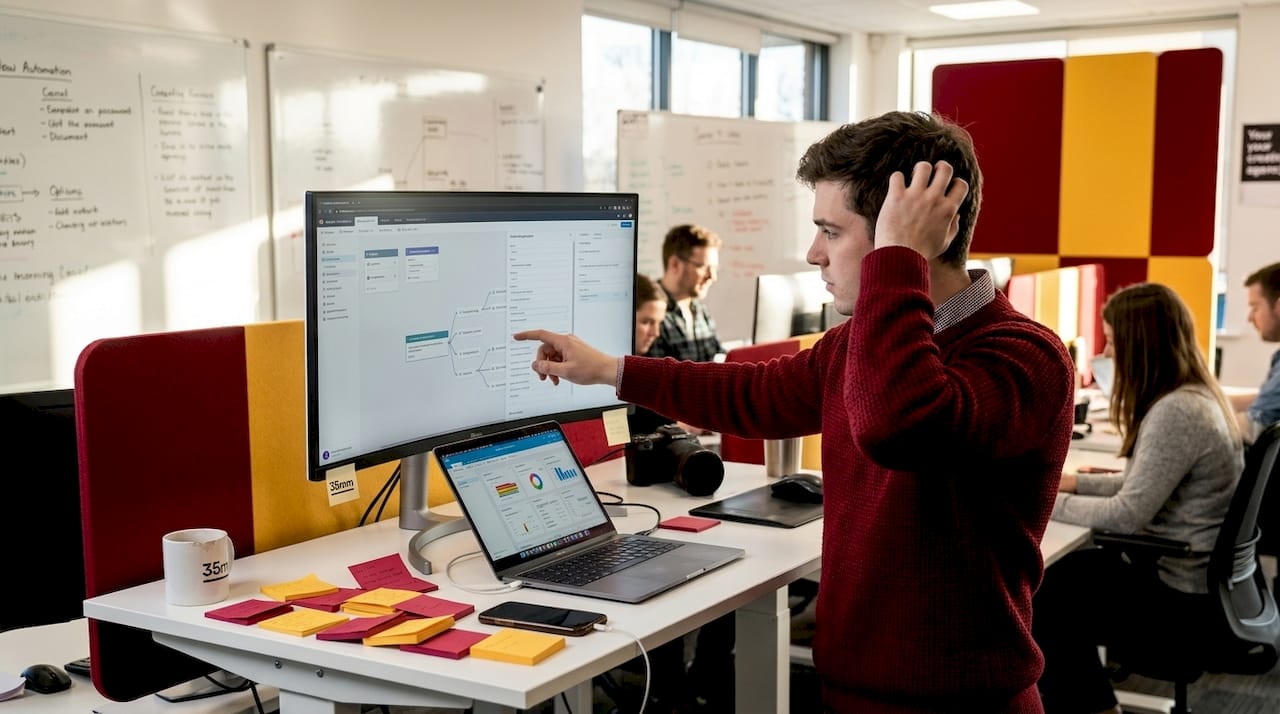
Airtable, Frame.io, and Figma together create a connected ecosystem where project data, visual feedback, and collaborative design exist in a single loop. Airtable tracks every brief, deadline, and deliverable in a format that both project managers and creative directors can read at a glance. Frame.io turns a typically messy feedback process into a structured, timestamped dialogue between agency teams and studio partners. Figma allows non-technical stakeholders to comment directly on design files without needing specialized software.
Beyond these platforms, AI is reshaping what's possible at the production level. Automated image tagging means your asset library becomes searchable and reusable without hours of manual labeling. AI-driven layout suggestions can accelerate early concepting by generating options for creative teams to react to rather than start from scratch. Quality checks powered by machine learning can flag resolution issues, color inconsistencies, or text legibility problems before files reach the review stage.
The numbers support this shift. Dentsu accelerated creative workflows by 6X using generative AI, and automation broadly cuts routine production time by up to 45%. For an agency handling dozens of campaign assets simultaneously, that kind of efficiency gain is the difference between meeting a launch window and missing it.
Practical automation examples worth integrating into your workflow include:
- Automated status update notifications when an asset moves from production to post-production
- Version control triggers that archive previous files automatically when a new version is uploaded
- AI-assisted creative draft generation for initial concept rounds, giving designers a faster starting point
- Automated delivery checklists that verify file formats, naming conventions, and resolution before client handoff
- Reminder workflows tied to review deadlines so no approval round goes stale
For agencies looking to sharpen their toolkit, reviewing design asset must-haves offers a practical lens on which foundational resources support this kind of automated, high-volume production environment.
Pro Tip: Always keep a human review step in the loop, even when AI handles initial quality checks. Automated tools catch technical errors, but only an experienced creative director can judge whether an image actually delivers the brand's emotional intent.
Edge cases and common workflow pitfalls to avoid
Even with the right tools and steps, tricky scenarios can derail a project. Here's how to dodge the common traps that catch even experienced agencies off guard.
High-volume production is where workflows get stress-tested. When you're producing hundreds of ad variants for a multi-market campaign, manual processes that worked on a ten-asset project simply break down. High-volume production requires templating and API-driven solutions to avoid style drift, which is the gradual inconsistency that creeps in when too many hands touch too many files without a locked visual standard. A template library built in Figma or a design system enforced through API connections between your DAM (digital asset management platform) and production tools keeps every asset looking like it belongs to the same campaign.
One of the most critical discipline points in any visual workflow is picture lock. Before assets go to a VFX team or an external sound and motion studio, the visual edit must be finalized and approved. Picture lock before VFX or sound work is a non-negotiable rule in professional post-production. Sending unlocked assets to a compositing studio costs everyone time and money when revisions force a redo of finished work.
The most frequent workflow pitfalls we see, and the recovery strategies that actually work, include:
- Vague or evolving briefs. Lock the brief with a formal sign-off before any production work begins. Use a brief change request process to manage scope shifts.
- Feedback given outside the platform. Enforce a single feedback channel, Frame.io or equivalent. Email and messaging app feedback fragments the revision record and creates version confusion.
- Unclear handoff standards. Define file naming conventions, export specs, and handoff formats in a shared document before the project starts, not after the first delivery fails.
- Over-reliance on external studios without oversight. Assign an internal post-production lead who manages the studio relationship, reviews interim deliverables, and communicates changes promptly.
- Skipping interim reviews. Don't wait until full completion for the first look. Build in a mid-production check to catch directional problems early.
"Centralizing briefs and maintaining versioned feedback creates the smooth, predictable handoffs that high-quality visual campaigns demand. Without a single system of record, every revision becomes a negotiation about which file is actually current."
For post-production collaboration specifically, platforms like Frame.io and MASV provide versioned feedback and secure, large-file transfer capabilities. The hybrid workflow, keeping strategy and concept in-house while outsourcing heavy production work to specialist studios, has proven to be the most reliable model for agencies that need both control and quality. Understanding the outsourcing pitfalls and best practices in creative production helps agencies define exactly where their responsibilities end and their studio partners' begin.
Why most ad visual workflows fail—and what actually works
Here's the honest observation after years of working closely with ad agencies on high-stakes visual production: the workflows that fail aren't failing because of the wrong software. They fail because the human communication layer was never properly designed.
Agencies often pour resources into new platforms without establishing the agreements, rituals, and habits that make any system work. A Slack channel and an Airtable board don't solve the problem if creative directors and project managers aren't aligned on what "approved" actually means at each phase. We've seen beautifully designed workflows collapse because one stakeholder assumed verbal approval was sufficient and another was waiting for a formal sign-off.
The "single source of truth" principle sounds simple, but it requires ongoing discipline. Every time a team member saves feedback in an email instead of Frame.io, or keeps a revised brief on their local drive, the system fractures. The tool is only as good as the behavior around it.
On the question of AI and automation, the perspective here is pragmatic. These tools genuinely accelerate production, and agencies that ignore them are leaving speed and cost advantages on the table. But automation should expand creative bandwidth, not replace the judgment that makes campaigns worth seeing. The expert post-production insights we bring to every project reflect a belief that technology and human craft work best when they're layered together, not traded off against each other. The agencies with the best-performing workflows are the ones that have clarity on that balance.
Get expert support for seamless agency visuals
Producing high-quality ad visuals at the pace modern campaigns demand is genuinely hard work, and even well-structured workflows hit limits when the production volume scales or the visual complexity spikes.
At 35milimetre, we work directly with ad agencies as a specialist post-production partner, handling retouching, compositing, color grading, CGI, and AI-enhanced imagery with the same care and technical precision your campaigns require. Whether you need consistent support across a multi-market campaign rollout or a single high-end deliverable built to exact specifications, our agency post-production solutions are built around your workflow, not the other way around. Reach out to explore how we can fit into your production process and help you ship campaign visuals that genuinely stand out.
Frequently asked questions
What is the standard workflow for ad agency visuals?
The standard workflow follows seven sequential phases: intake, planning, concept development, production, post-production, review, and delivery, with each phase requiring a defined owner and documented output.
Why should agencies use a hybrid in-house and outsourced post-production model?
A hybrid model keeps strategic and brand-sensitive decisions in-house while outsourcing technically demanding production work to specialist studios, balancing control with the quality and speed only dedicated experts can provide.
How can agencies prevent style drift in high-volume projects?
Templating and API-driven design systems enforce visual consistency at scale by standardizing how assets are generated and modified, removing the manual variation that accumulates across large asset libraries.
What are key tools for collaborative visual workflows?
Airtable, Frame.io, and Figma are the three platforms that cover the core needs: brief and project management, video and image review, and collaborative design concepting, respectively.